圖書館大作戰Library Smash
學校圖書館 3D 模擬遊戲・沉浸式學習及工作體驗 A 3D school library job simulator · Immersive learning and work experience
免費・無廣告・無內購・無需註冊
支援繁體中文及英文
Free · no ads · no purchases · no sign-up
Available in English and 繁體中文
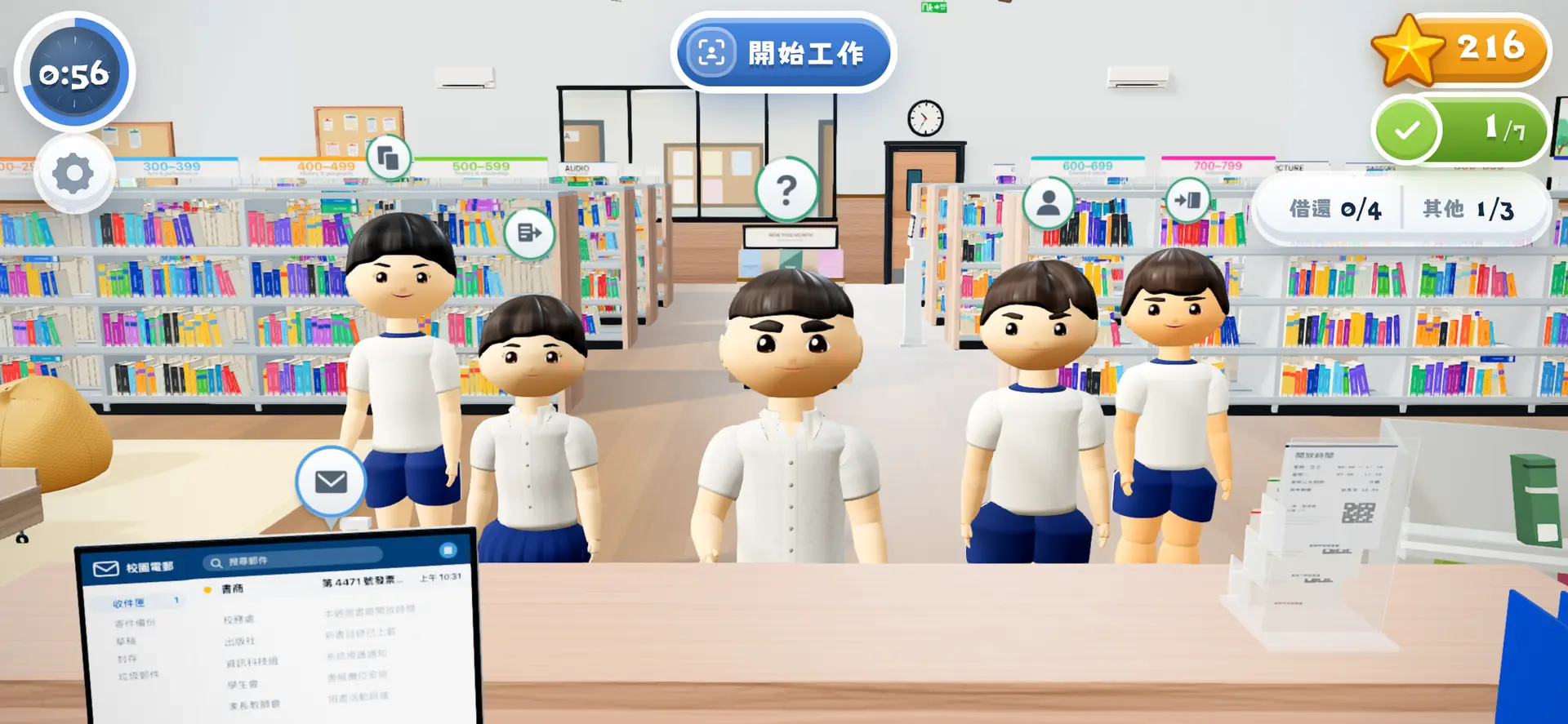
小息鐘聲一響,學生湧入,工作接踵而來。 The bell goes, the students come in, and so does the work.
以香港學校圖書館為背景,化身圖書館管理員,處理: Set in a Hong Kong school library. You run the desk and handle:
要兼顧速度、準確度和學生的等候時間。 Balance speed, accuracy and how long students wait.
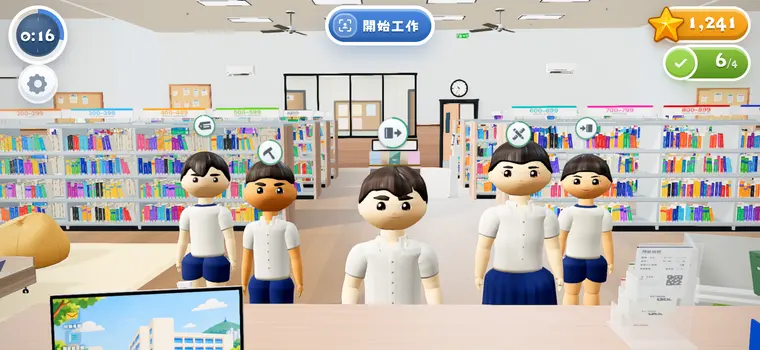
沉浸式工作體驗An immersive work experience
遊戲共有 41 種圖書館任務。 There are 41 kinds of library work in the game.
- 掃描學生證Scan the card
- 掃描條碼Scan the barcode
- 蓋上到期日Stamp the date due
- 掃描條碼Scan the barcode
- 蓋印Stamp it
- 修補破損Repair the damage
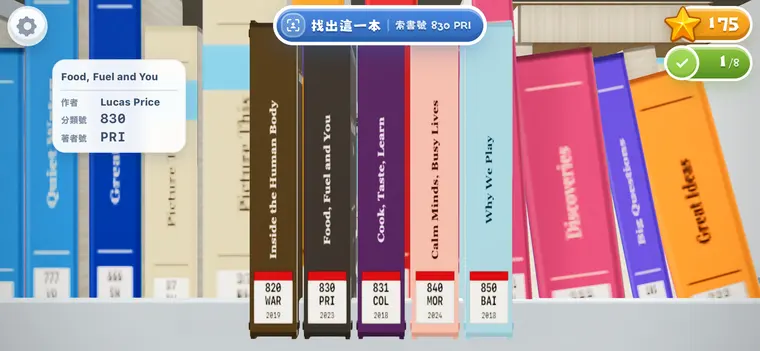
- 按索書號上架Shelve by call number
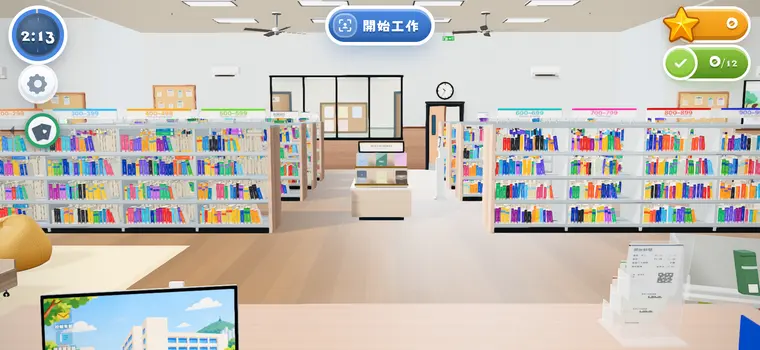
3D 還原圖書館The library in 3D
除了完成櫃檯服務,玩家還要離開座位,走到書架、閱讀區、電腦區、壁報區、儲物室等區域完成任務。 Besides the work at the desk, players leave their seat for the shelves, the reading corner, the computer area, the noticeboard and the store room.
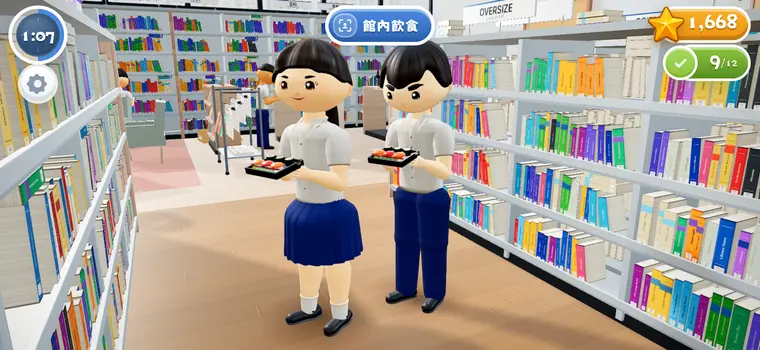
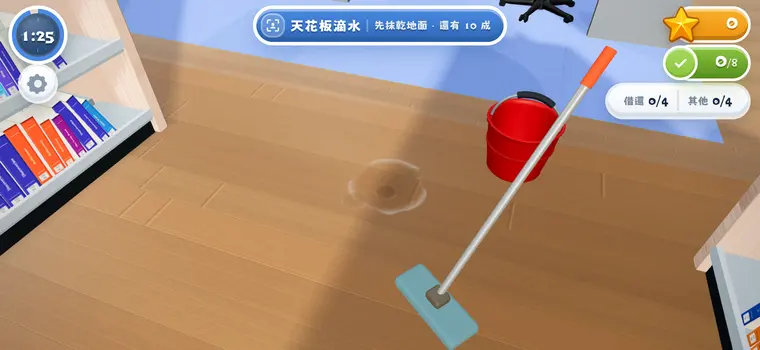
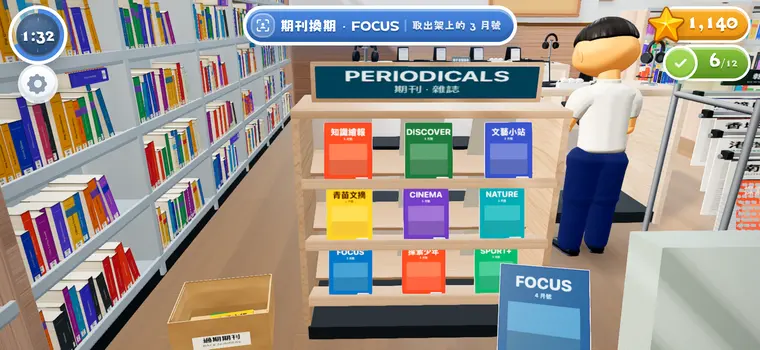
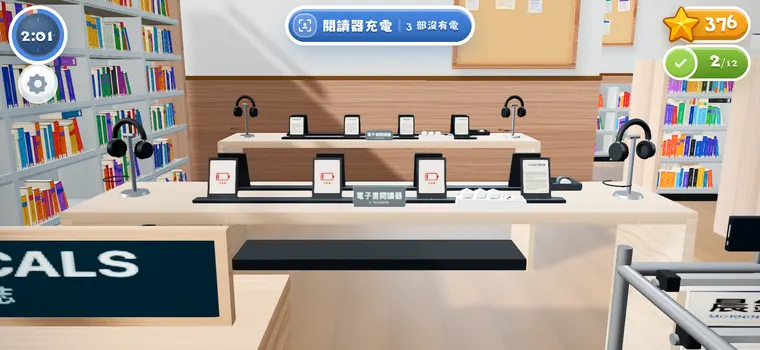
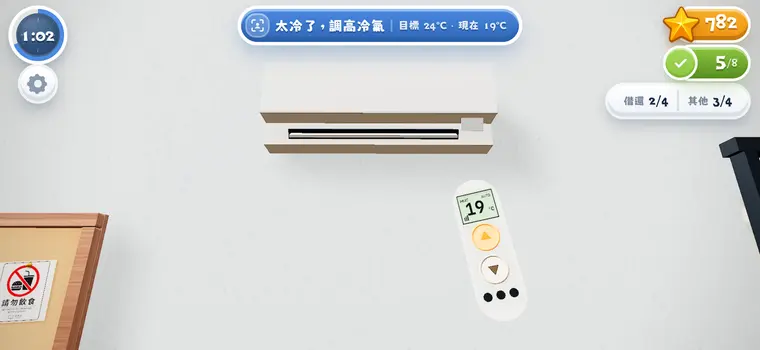
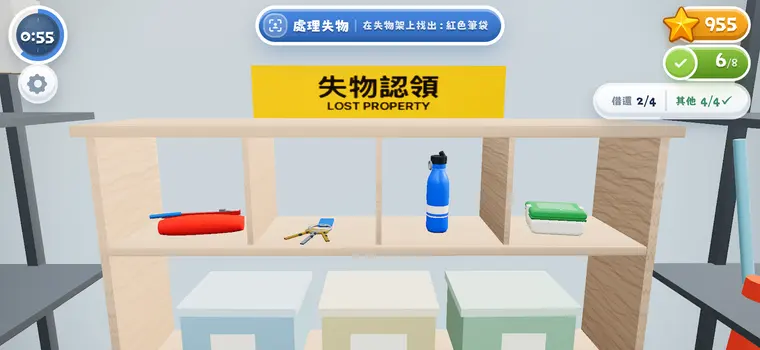
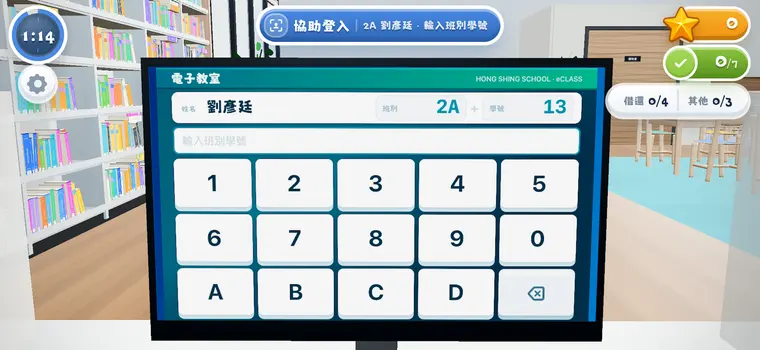
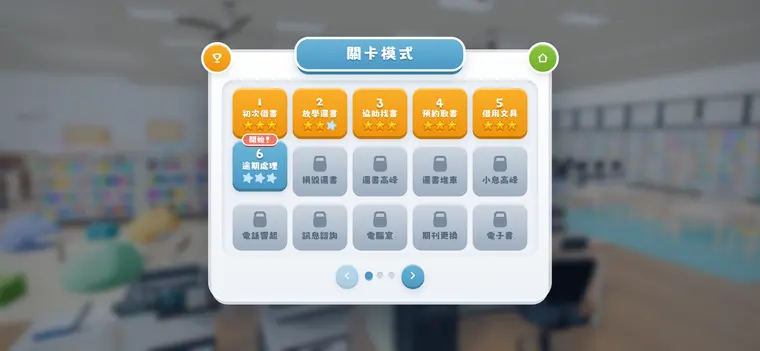
遊戲共有 30 個主線關卡 30 levels in the main course
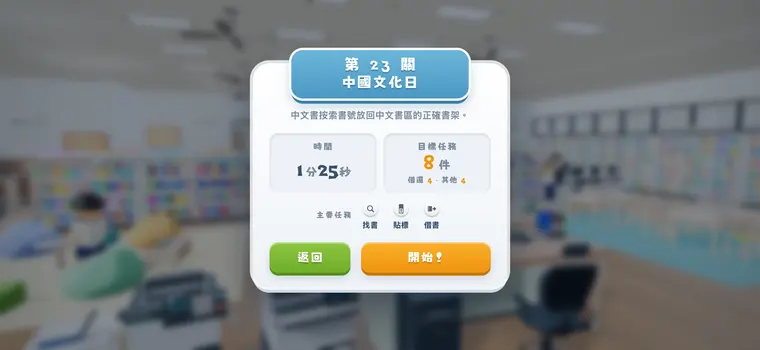
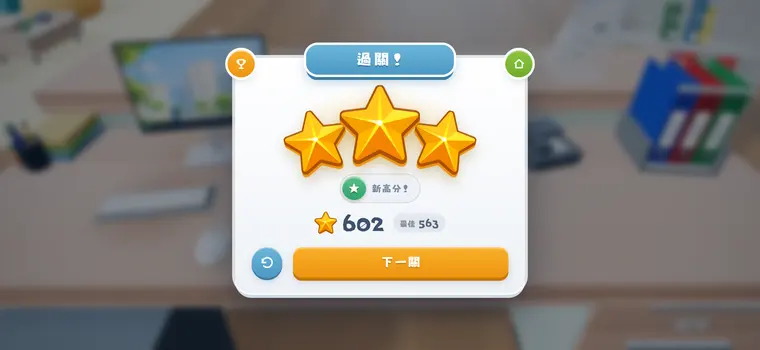
每關設「借還」和「其他」兩條指標,兩條達標才過關;做得越多越準,獲得的星星數量越多。 Each level sets two targets. One is circulation and the other is everything else, and you have to meet both to pass. The more you do, and the more accurately you do it, the more stars you get.
入門Getting started
櫃檯基本功:第 1 關只有借書,之後每關加一樣新工作。Desk basics: level 1 is loans only, and every level after adds one new job.
通訊與設備Communication and equipment
電話、電郵、影印和電子設備加入,工作開始互相打斷。Calls, email, copying and devices arrive, and jobs start interrupting each other.
全館同時運作The whole library at once
校園主題日:秩序、環境、設備一齊來,全館同時運作。School theme days: order, environment and equipment all at once.
圖書館大作戰Library Smash
第 30 關通關後開啟,41 種館務工作全部登場。Unlocked after level 30, with all 41 kinds of library work in play.
基礎圖書館知識與數字素養 Basic library knowledge and digital literacy
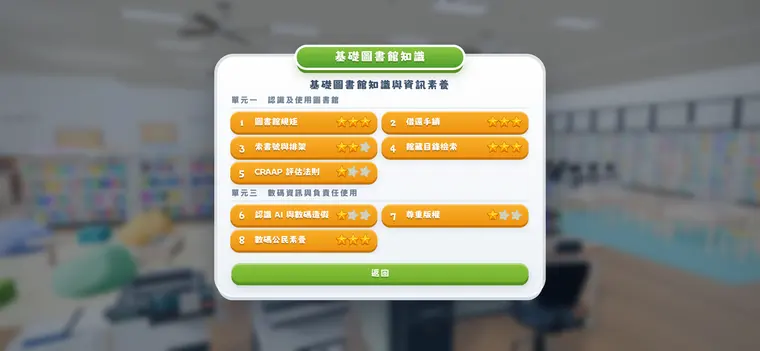
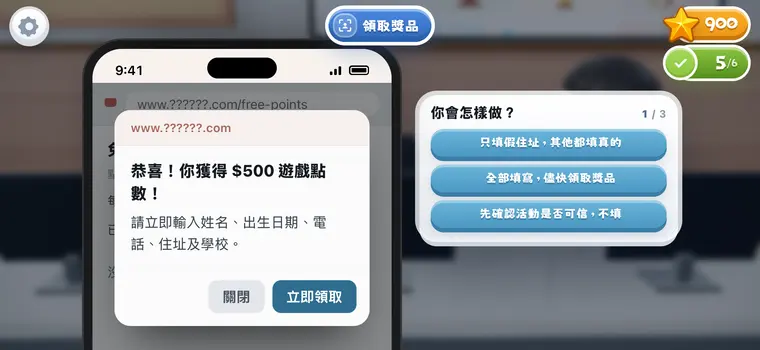
共八課,獨立於關卡模式,隨時可以進入。玩家先閱讀教學面板,然後在模擬圖書館裡完成真實情境練習,並獲得即時回饋。 Eight lessons, separate from the levels and open at any time. The player reads a teaching panel first, then works through real situations in the simulated library and gets feedback on the spot.
單元一 認識及使用圖書館1 · Know and use the library
圖書館規則、借還手續。Library rules, borrowing and returning.
單元二 尋找及評估資訊2 · Find and evaluate information
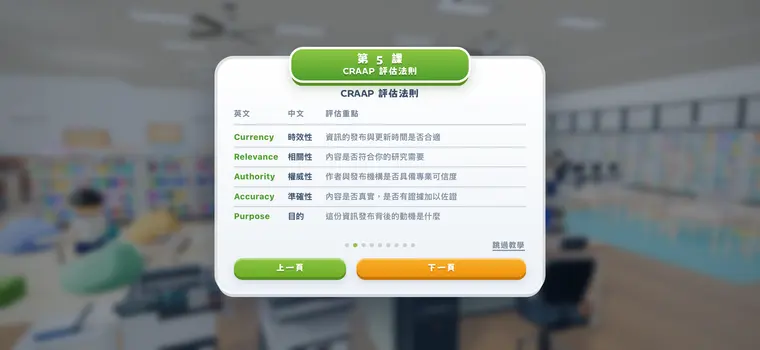
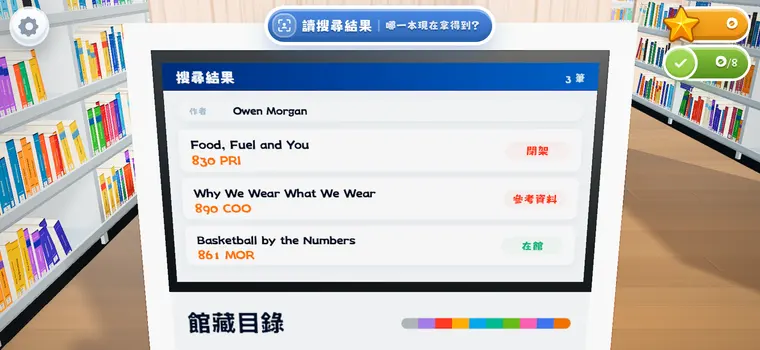
索書號與排架、館藏目錄檢索、CRAAP 資料評估法則。Call numbers and shelf order, searching the catalogue, the CRAAP test for evaluating sources.
單元三 數碼資訊及人工智能3 · Digital information and AI
認識及正確使用人工智能、尊重版權、數碼公民素養。Recognising AI and digital fakes, respecting copyright, digital citizenship.
從做中學:圖書分類法Learning by doing: classification
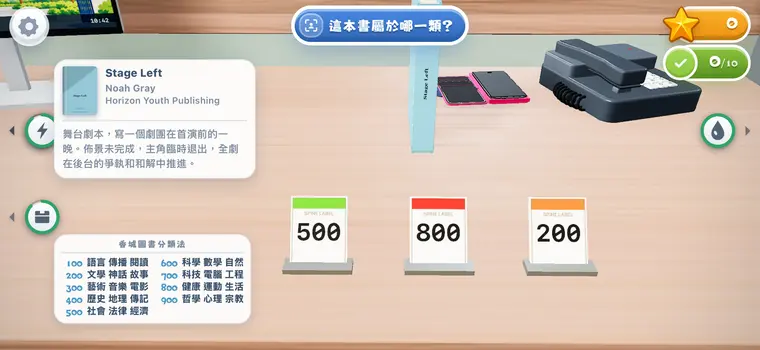
圖書館用的是虛構的「香城圖書分類法」,分為 9 大類,由 100 排到 900。學生在遊戲裡掌握的分類、編目和上架都是可遷移的技能,將來能運用到學校圖書館或公共圖書館所用的其他分類法。 The library runs on an invented scheme, the Heung Shing Library Classification, divided into nine classes from 100 to 900. What students pick up is classification, cataloguing and shelving, and those skills carry over to the other schemes a school library or a public library runs on.
資訊素養Information literacy
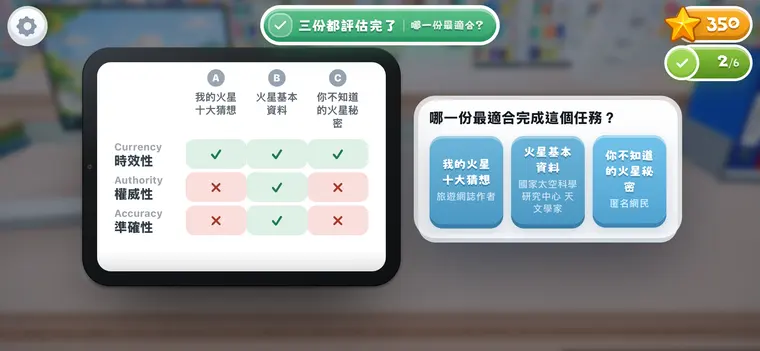
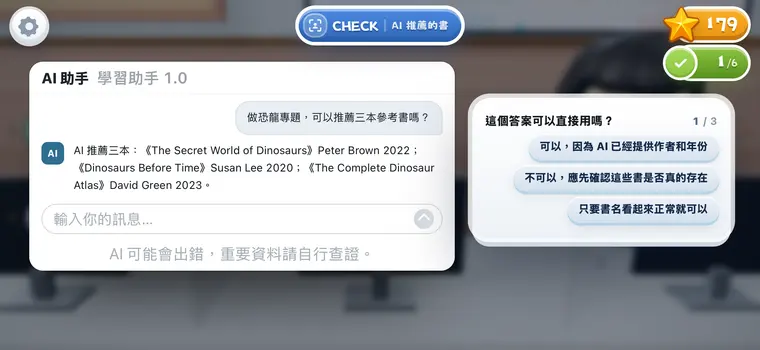
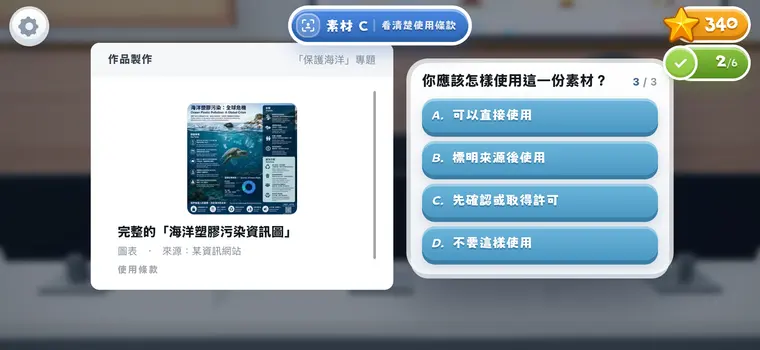
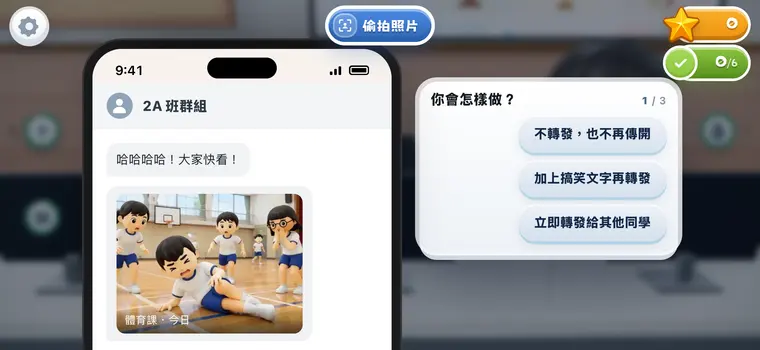
40 分鐘實體/線上圖書課 A 40-minute library lesson, in person or online
也適用於中一迎新、資訊素養課和閱讀日攤位等活動。 Also for Form 1 orientation, information literacy and a Reading Day booth.
遊戲對象Who it is for

學生Students
熟悉圖書館規則、借還流程和找書方法;完成 8 課學習模式。Learn the rules, the borrowing routine and how to find a book; complete the eight lessons.

圖書館主任及教師Teacher librarians and teachers
以遊戲輔助教學:在虛擬圖書館裡教圖書館規則、借還手續、檢索方法與數字素養課程;教材、練習和回饋都在遊戲之內,不用另備材料。Teach with the game. Library rules, the borrowing routine, searching the catalogue and a course in digital literacy are all taught inside a working library, and the teaching, the practice and the feedback are in it already.

家長及公眾Parents and the public
親身體驗一間學校圖書館在小息裡的真實節奏。Feel the real pace of a school library at recess.
遊戲資料At a glance
- 類型Genre
- 3D 工作模擬・教育3D job simulation · Education
- 平台Platform
- iPhone、iPad(App Store);電腦及手機瀏覽器iPhone and iPad (App Store); desktop and mobile browsers
- 語言Languages
- 繁體中文、英文Traditional Chinese, English
- 價格Price
- 免費;無廣告、無內購、無需註冊Free; no ads, no in-app purchases, no sign-up
- 連線Online
- 離線遊玩;每日挑戰排行榜需要網絡Plays offline; the daily leaderboard needs a connection
- 年齡Age
- 4+
- 內容Content
- 30 關主線、極限模式「圖書館大作戰」、每日挑戰、8 課學習模式、41 種館務工作30 levels, the Library Smash endless mode, daily challenge, 8 lessons, 41 kinds of library work
- App Store 搜尋Search the App Store for
- Library Smash
聯絡Get in touch
如有疑問、發現問題,或希望在課堂使用、取得個人化版本以配合特定的學習情境,歡迎電郵: Please write to us if you have a question, a fault to report, a plan to use the game in class, or a need for a version fitted to a particular teaching context.
support@librarysmash.com報告問題時,請一併說明裝置型號、瀏覽器或 iOS 版本,有助更快找出問題所在。課堂使用不需授權,亦不需開設帳戶;遊戲進度儲存於你自己的裝置之內,不會上傳。 When reporting a fault, please say which device you are on and which browser or iOS version. Classroom use needs no licence and no accounts. Progress is stored on your own device and is never uploaded.
若你曾在教學中使用本遊戲,歡迎聯絡我們,我們十分樂意聽取你的經驗和建議。 If you have used the game in your teaching, please get in touch. We would be glad to hear about your experience and any suggestions.