
好書推介展館Book Gallery
學生好書推介海報的 3D 網上展館・用瀏覽器即可參觀 A 3D online gallery for students' book recommendation posters · Opens in a web browser
免費・無需安裝・無需註冊
支援電腦、平板電腦及手機
Free · nothing to install · no sign-up
Works on computers, tablets and phones
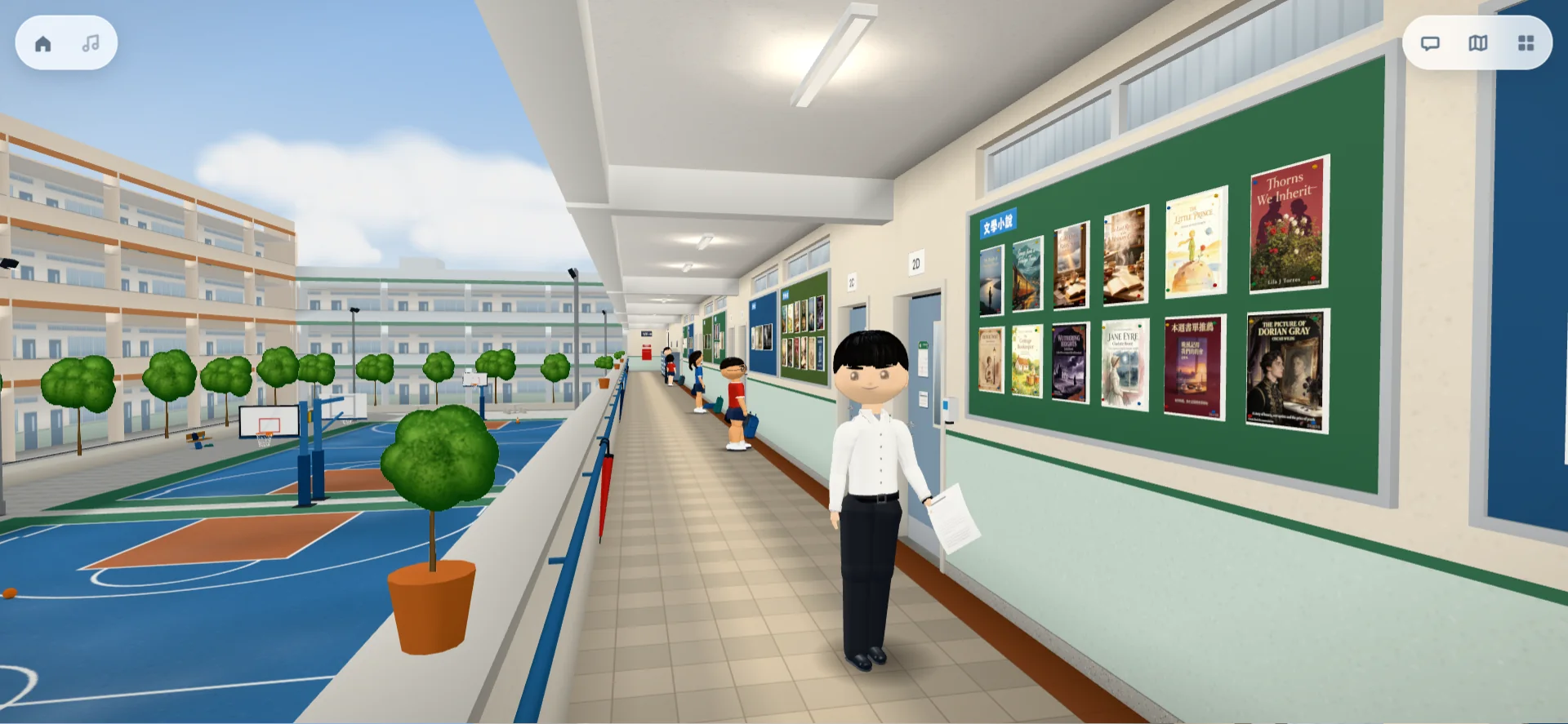
海報按類別展示在學校的走廊、大堂和禮堂 Posters hang by genre in the corridors, lobby and hall of a school
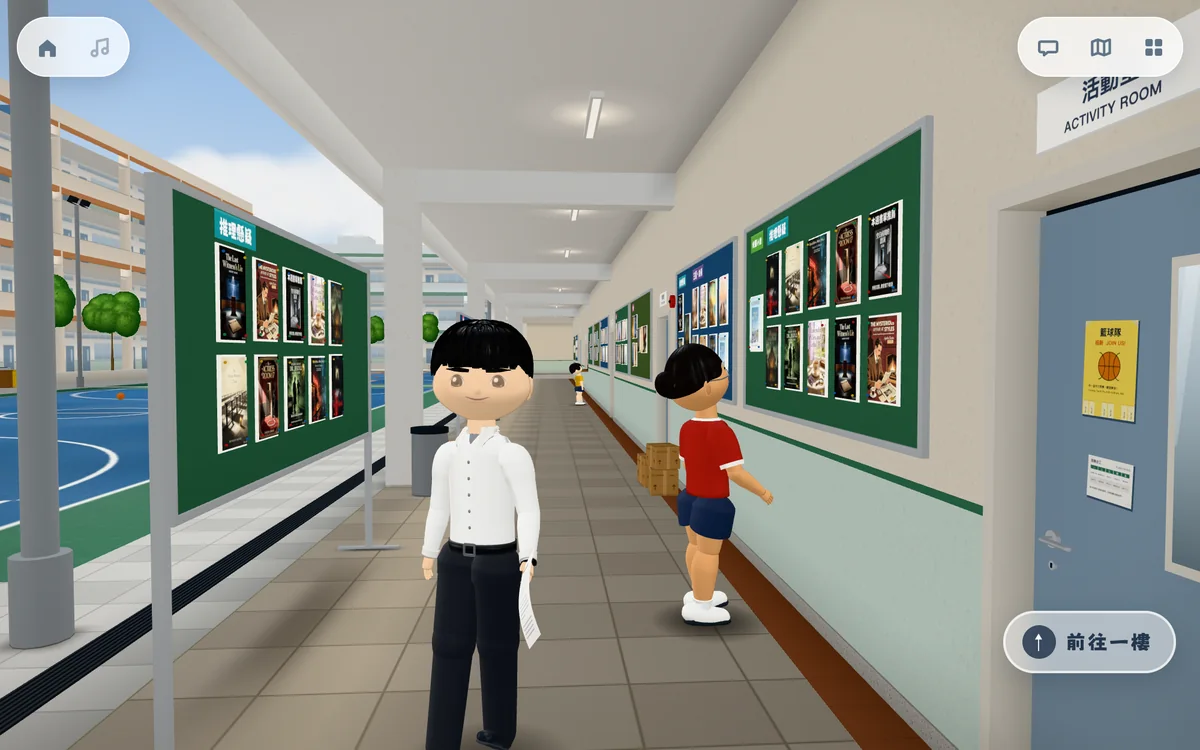
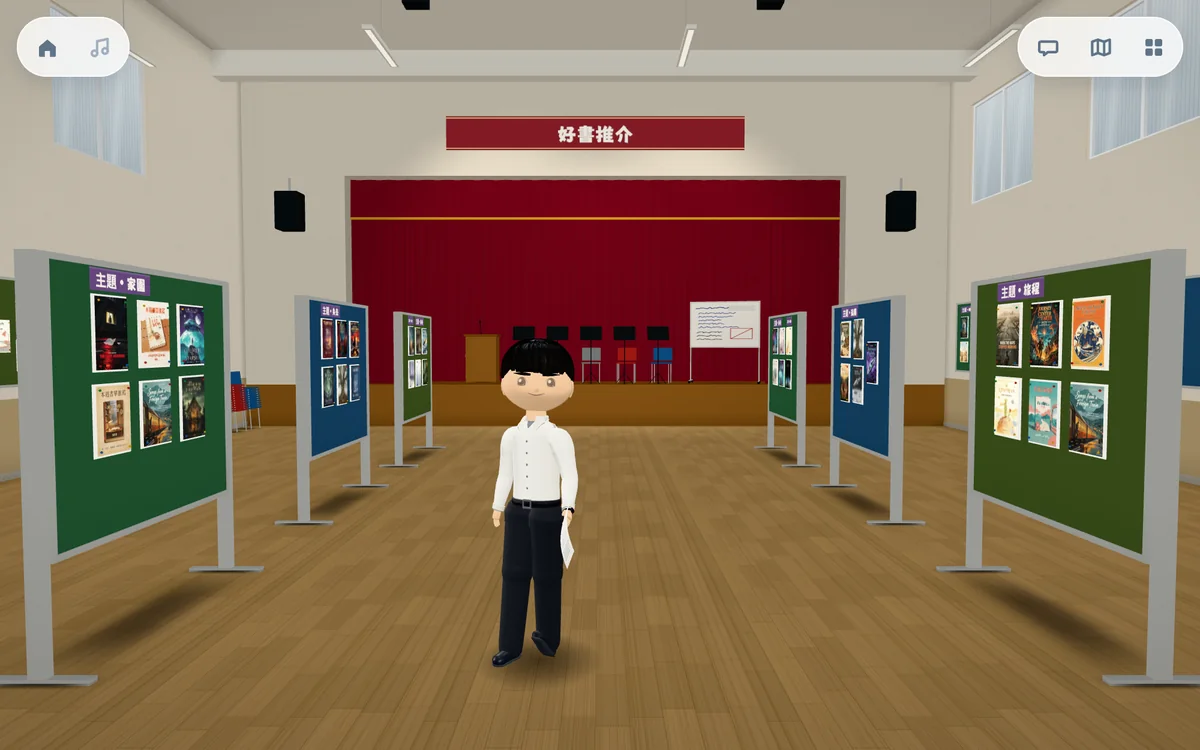
老師上載學生的好書推介海報後,海報會按類別釘在展館的告示板和展示架上。參觀者可以在館內走動,點選任何一份海報閱讀推介。 When a teacher uploads students' book recommendation posters, they are pinned up by genre on the gallery's notice boards and display stands. Visitors walk around the building and tap any poster to read the recommendation.
老師開設展館,學生輸入編號參觀Teachers set it up; students enter a code
1開設展館Create a gallery
老師在管理頁開設展館,例如「2A 暑期閱讀」,便會得到一個四位數字的展覽編號。 On the management page, create a gallery such as "2A summer reading" and you get a four-digit exhibition code.
2上載海報Upload posters
上載學生的海報,並填寫書名、作者、類別和推介文字;班別、名字和索書號可按需要填寫。海報按「公開」後才會展出。 Upload the posters with the title, author, genre and recommendation; class, name and call number are optional. A poster goes up only once it is published.
3學生參觀Students visit
把展覽編號告訴學生。學生打開好書推介展館並輸入編號,便可進入展館。 Give the code to your students. They open the Book Gallery, enter the code and walk in.
使用管理頁須輸入管理密碼。學校如有意開設展館,請與我們聯絡。 The management page requires an admin password. If your school would like a gallery, please contact us.
點選海報,閱讀學生的推介Tap a poster to read the student's recommendation
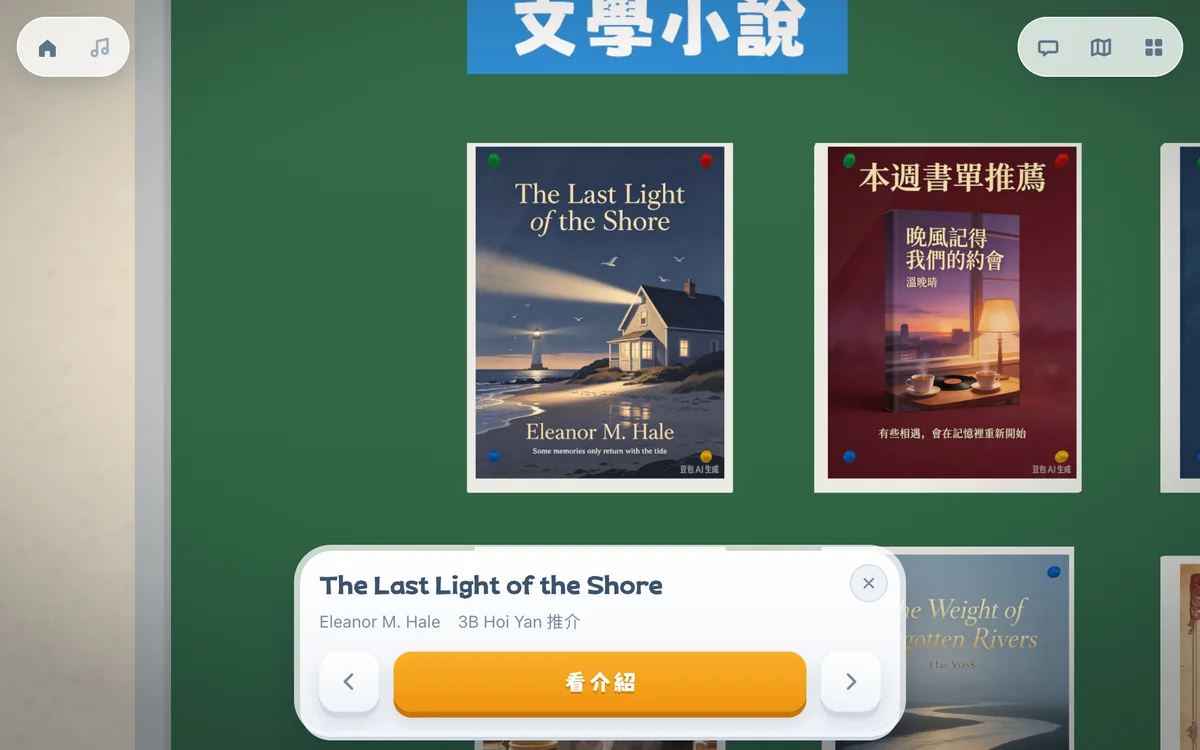
鏡頭會移近海報,畫面下方顯示書名、作者和推介學生;按兩旁的按鈕可看上一份或下一份。 The view moves up to the poster and the title, author and student are shown at the bottom; the buttons on either side step to the previous or next poster.
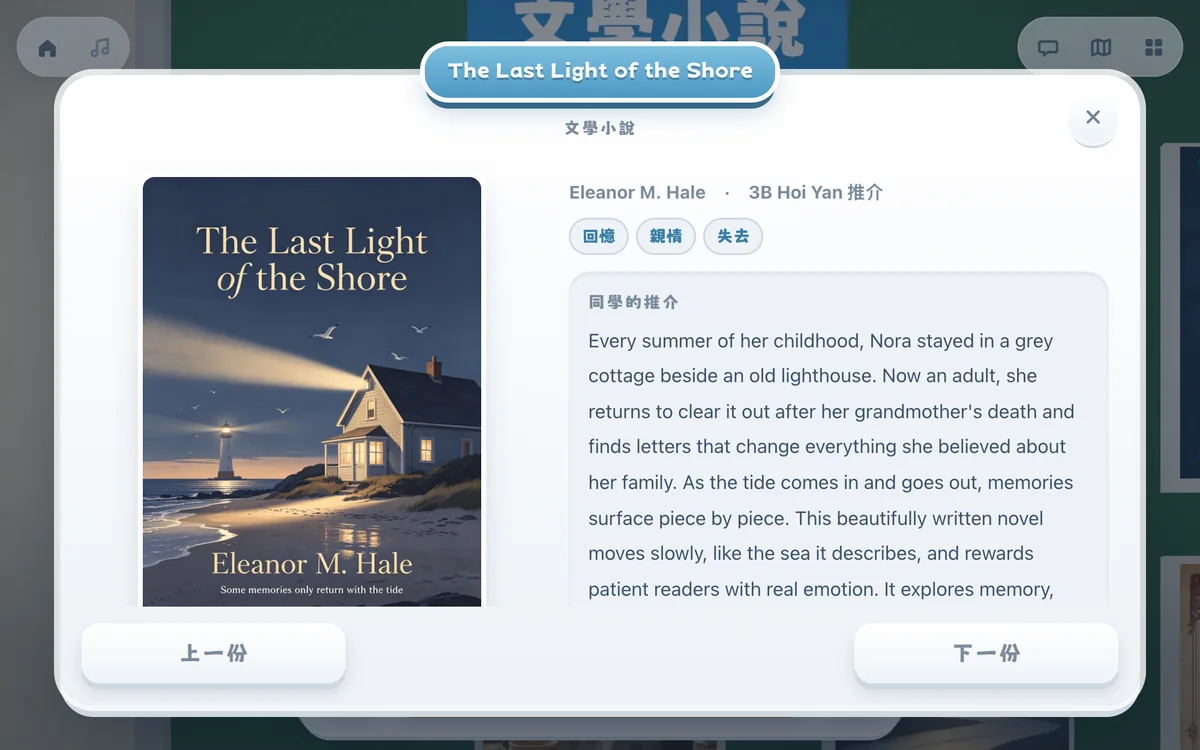
按「看介紹」便會打開介紹頁,顯示封面、作者、推介學生、主題和推介文字。 "Read more" opens the recommendation page with the cover, author, student, themes and the recommendation.
導賞員、學生人物和樓層指南A guide, the students themselves and a floor guide
展館參照一般香港中學建成,有走廊、樓梯、大堂和禮堂,館內設有: The gallery is built like a typical Hong Kong secondary school, with corridors, stairs, a lobby and a hall. Inside there is:
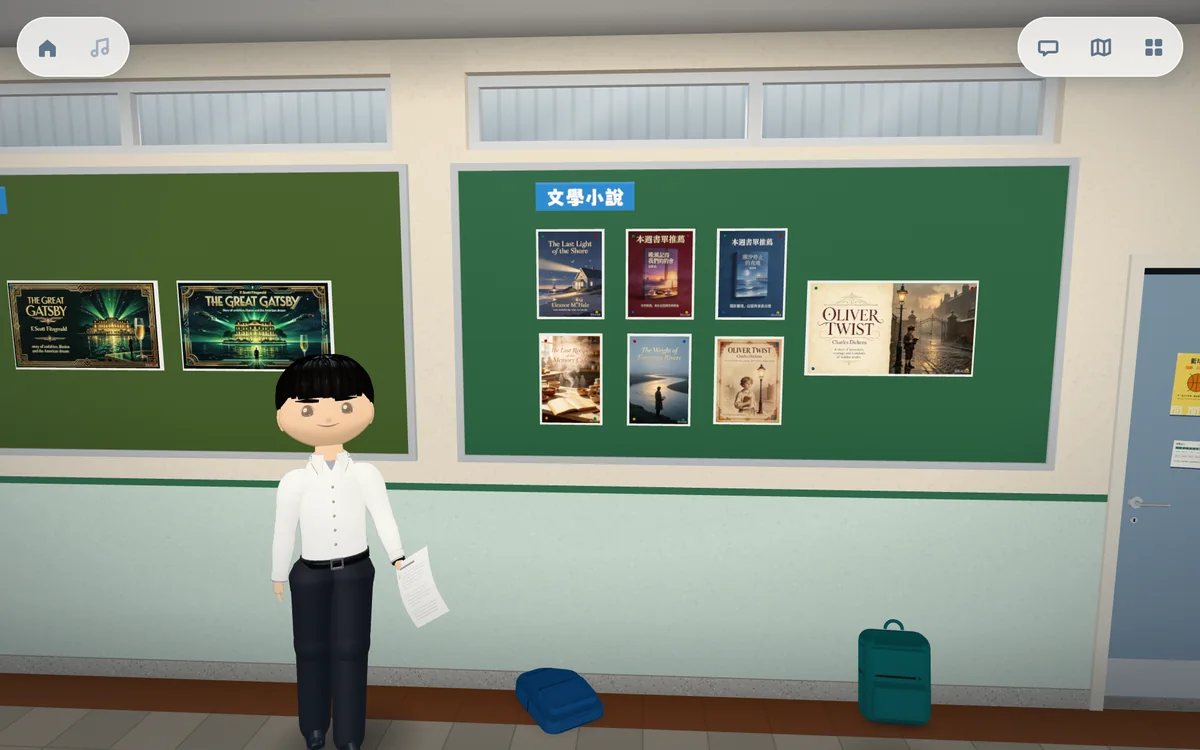
導賞員在館內帶路:按「下一份」,他會帶參觀者前往下一份海報。 The guide leads the way: tap "Next" and he takes visitors to the next poster.
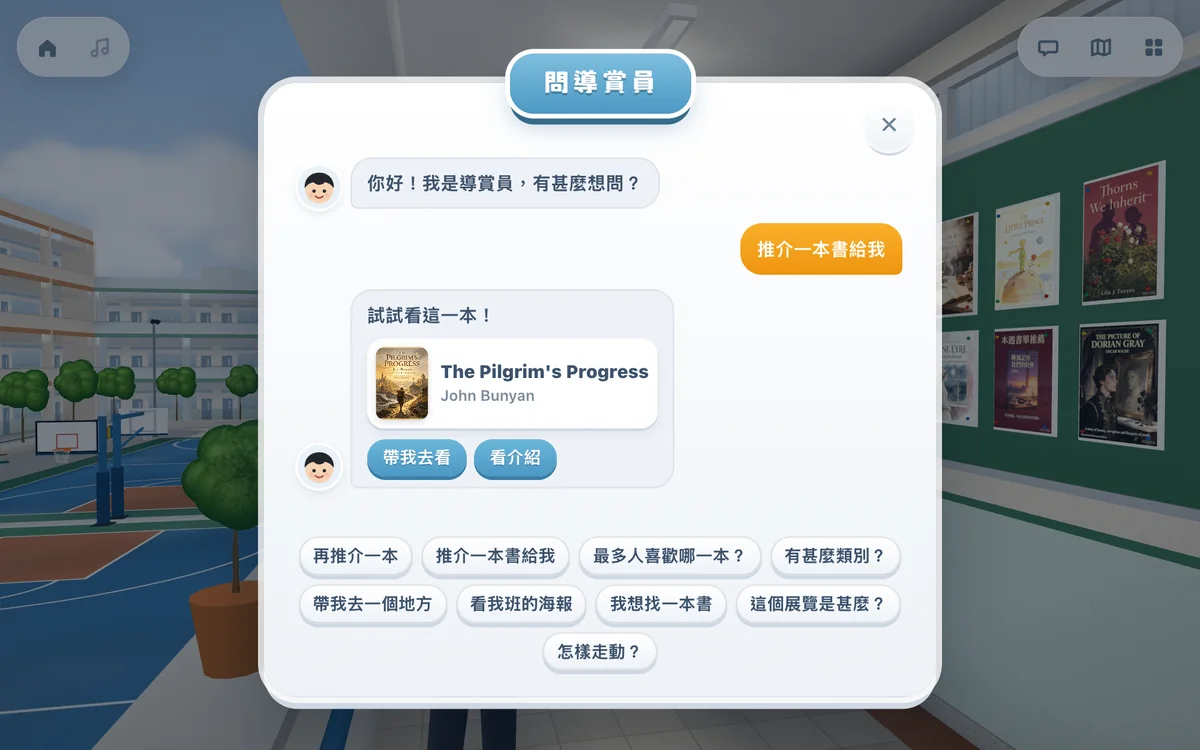
點選預設的問題,例如「推介一本書給我」或「帶我去一個地方」,導賞員會回答並帶路。 Tap a ready-made question, such as "Recommend a book" or "Take me somewhere", and the guide answers and leads the way.
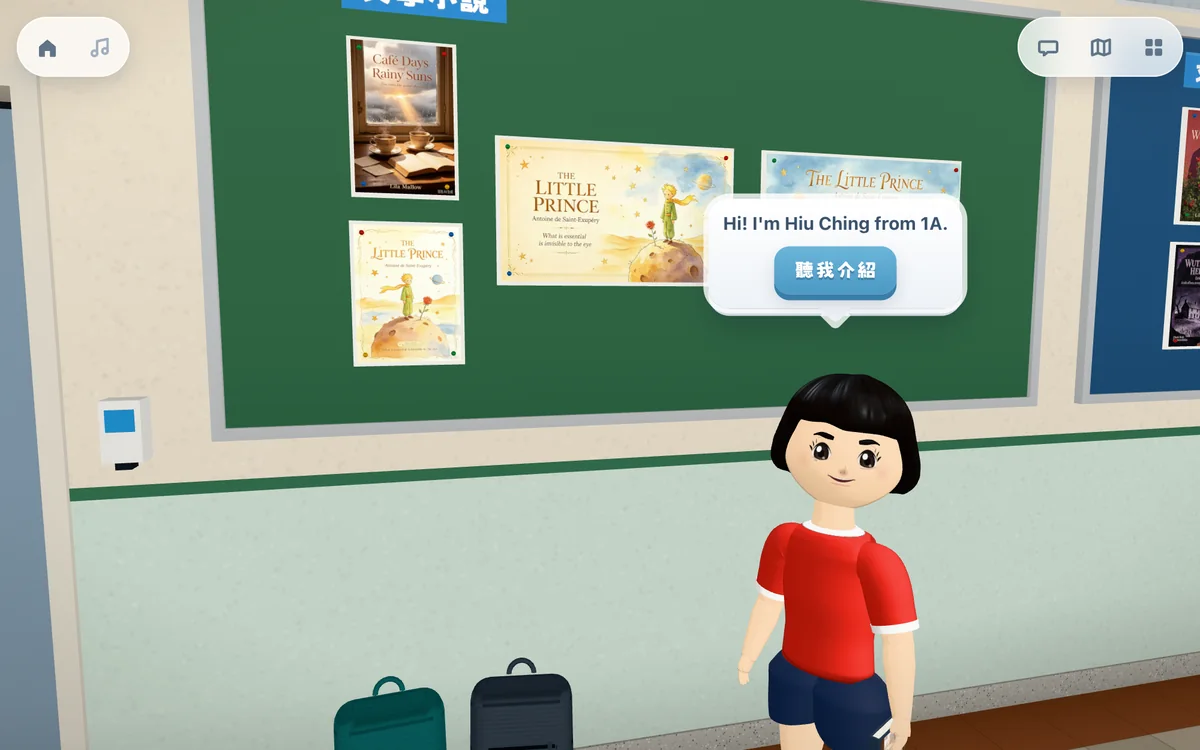
製作海報的學生以 3D 人物站在海報旁邊。人物的外觀由老師設定;未設定外觀的海報,旁邊不會有人物。 The student who made each poster stands beside it as a 3D character. The teacher sets each character's appearance; posters without one have no character.
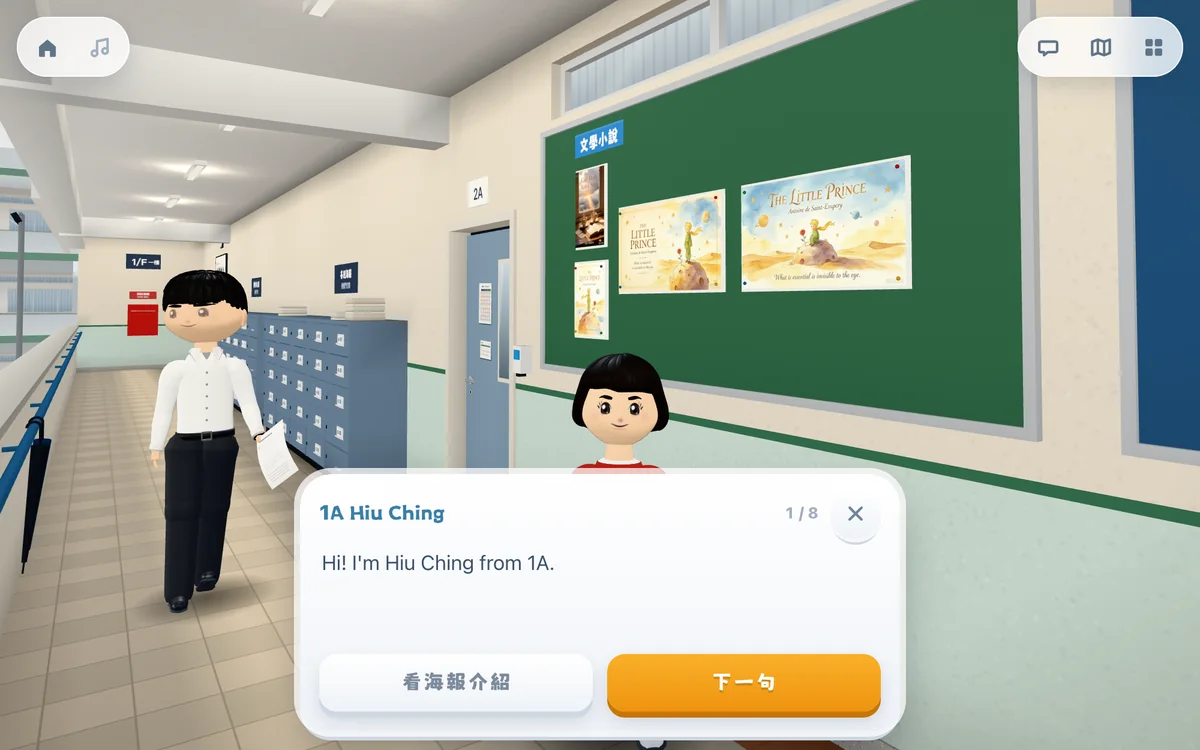
點選「聽我介紹」,學生人物會逐句讀出推介,字幕顯示在畫面下方;按「下一句」便讀出下一句。 Tap "Hear about my book" and the student reads the recommendation aloud one sentence at a time, with subtitles; "Next" moves to the next sentence.
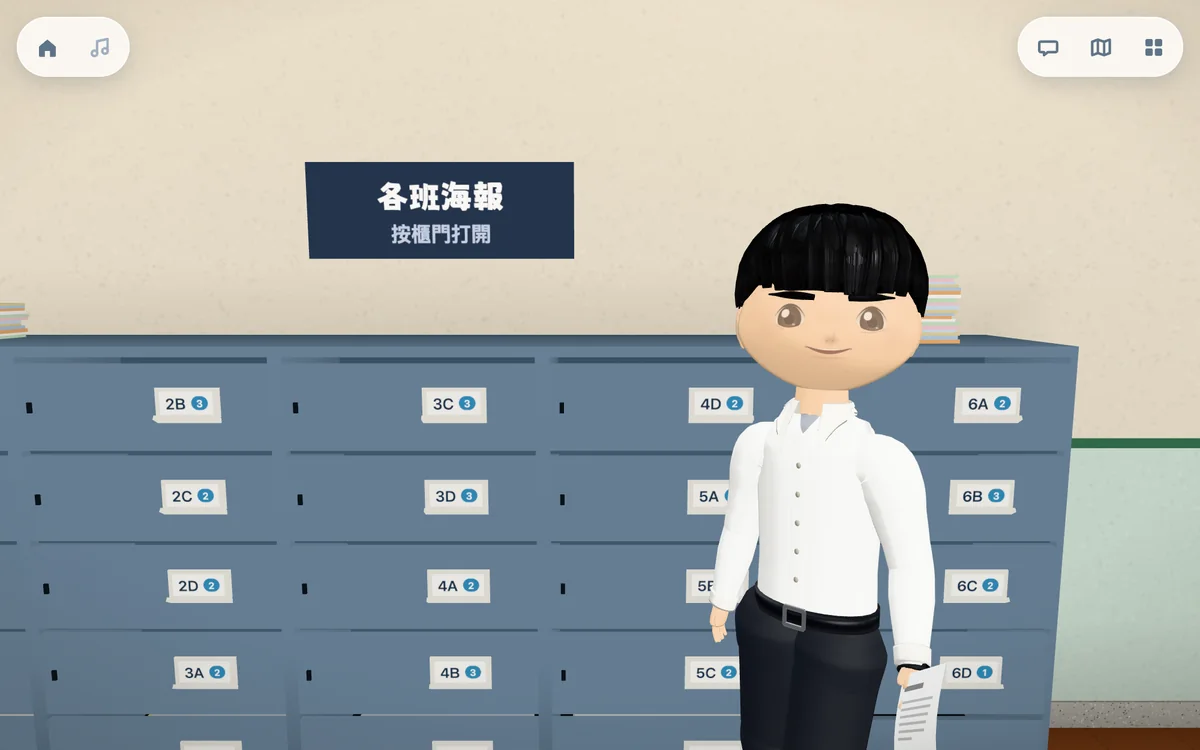
每格櫃門標示班別和海報數目,按櫃門便可打開該班的海報;類別櫃和主題牆的用法相同。 Each door shows a class and its number of posters; tap a door to open that class's posters. Genre cabinets and theme walls work the same way.
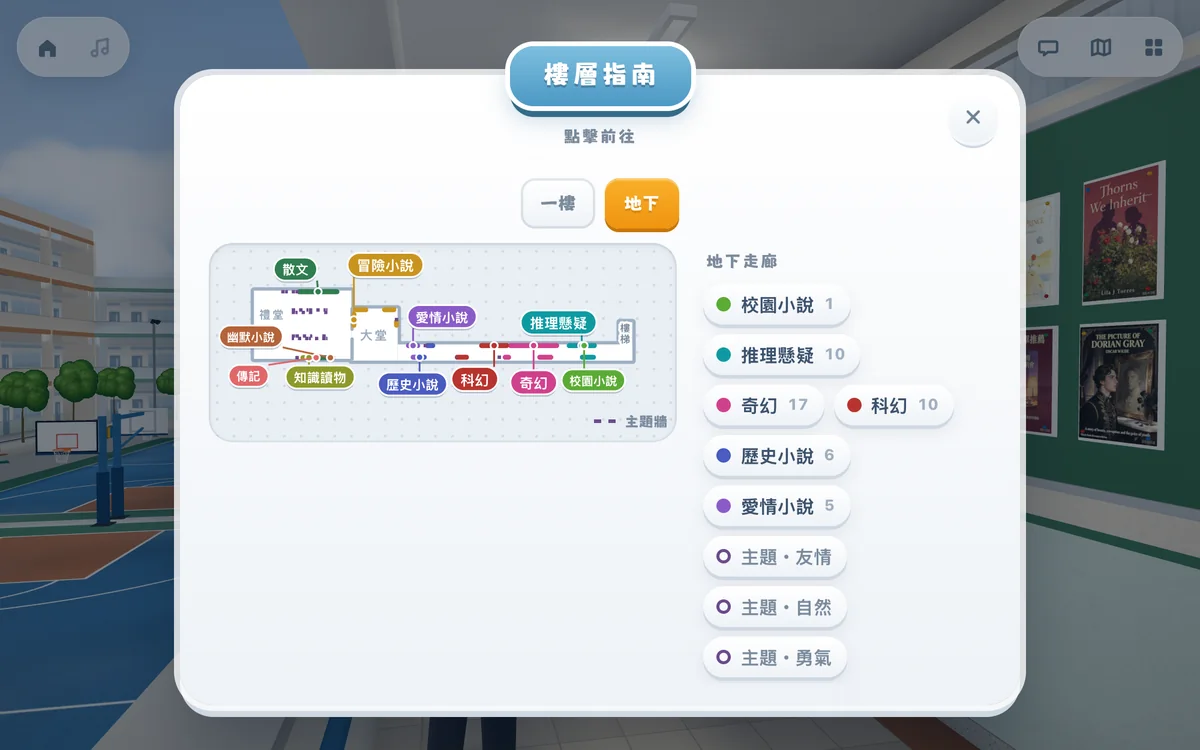
顯示各層的平面圖和各類別的位置,點選類別即可前往。 A plan of each floor showing where each genre is; tap a genre to walk there.
按學校實景建成的展館另設圖書館服務處,可向職員查詢書本的索書號。 Galleries modelled on a real school also have a library counter, where visitors can ask the staff for a book's call number.
私隱與安全Privacy and safety
參觀示範展館Visit the demo gallery
示範展館是一所虛構的中學,展出一百份示範海報。如有展覽編號,可在展館入口輸入。 The demo gallery is a fictional secondary school showing a hundred sample posters. If you have an exhibition code, enter it at the gallery entrance.